
Turn Images into Social Video
Animate photos and artwork into short-form content for social feeds and stories.
Animate still images into polished videos while preserving important subjects, composition, and visual details.
Turn portraits, products, landscapes, artwork, and generated images into dynamic video scenes.
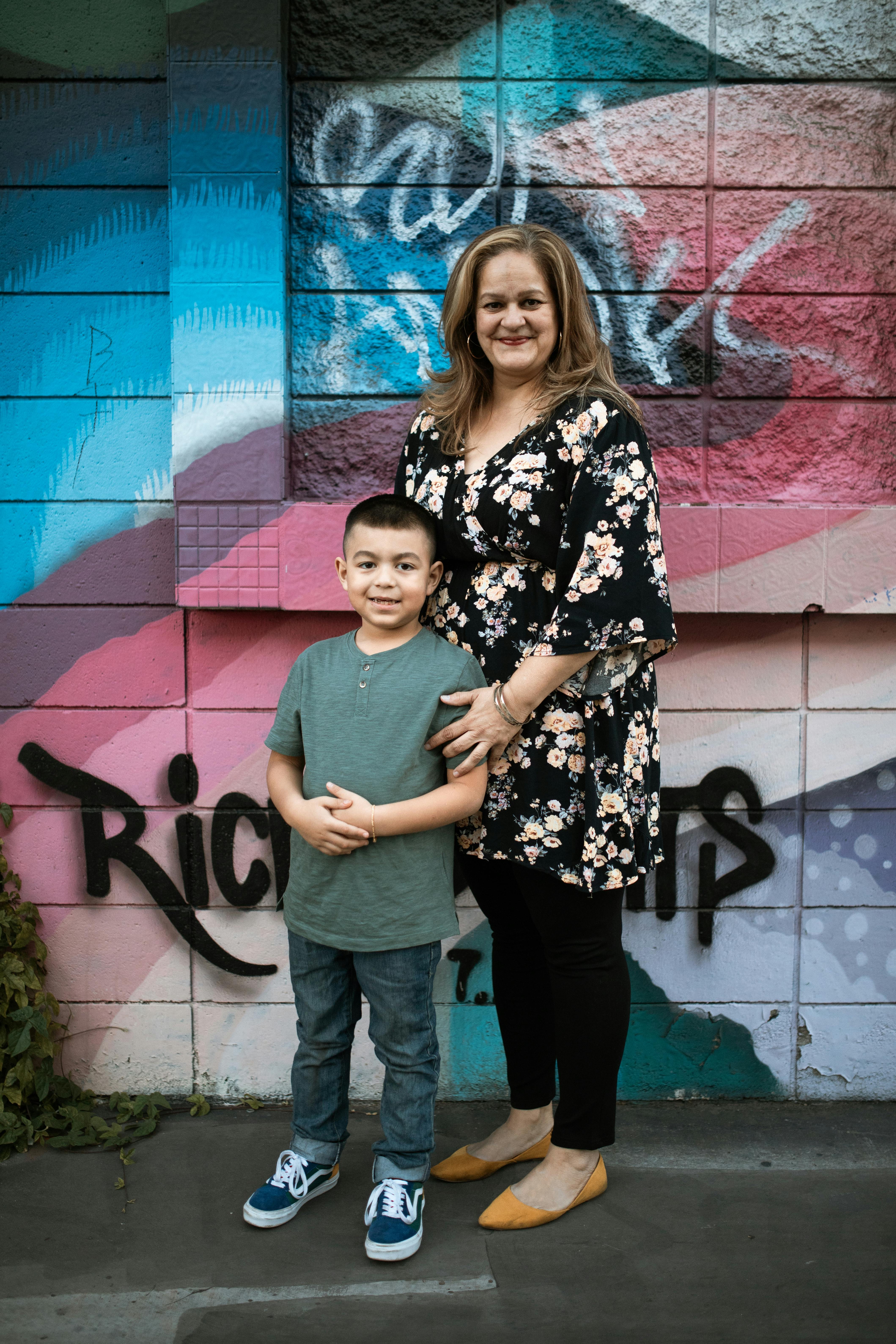
Describe ambience, sound effects, dialogue, and music when the selected model supports audio generation.
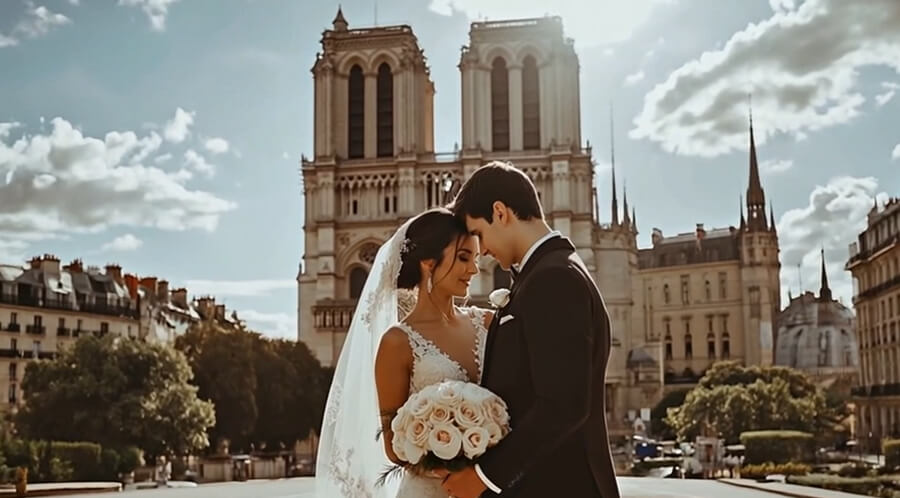
Guide motion while protecting the important details and context of the original image.

Animate photos and artwork into short-form content for social feeds and stories.
Upload a clear JPEG, PNG, or WebP image.
Describe the desired movement, camera, pacing, atmosphere, and optional audio direction.
Generate the video, review consistency and motion, then refine the prompt.
Bring your subject, setting and ideas together to find your own visual style.
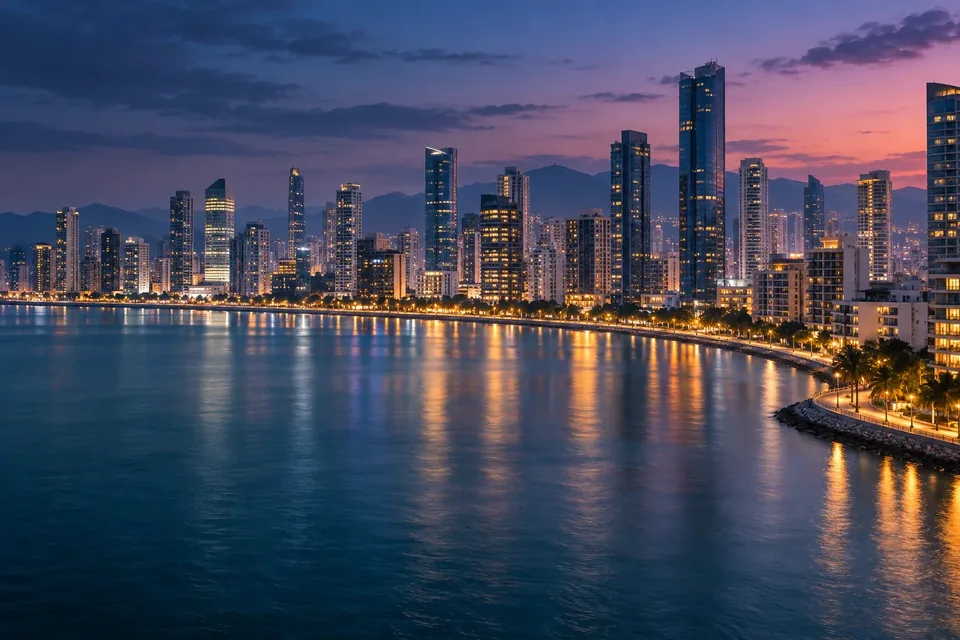

Use close framing, natural light and a simple background to highlight texture.
Describe the setting, mood and use case to tell a visual story.
Keep your subject and palette consistent while exploring new compositions.
Concept imagery for inspiration. Results depend on your inputs, model and prompt.
It turns a still image and motion instructions into a generated video while attempting to preserve the original visual content.
Look for prompt accuracy, visual consistency, natural motion, model choice, formats, and controllable settings.
It provides multiple generation models and a shared workflow for comparing and refining results.
Use clear JPEG, PNG, or WebP images that you have the right to upload and animate.
You can start in 慧达智云 and review available generation credits before submitting.
Audio availability depends on the selected model and generation settings.
Choose based on motion style, visual consistency, duration, resolution, and audio requirements.
Yes. Adjust the prompt or settings and generate another version.
Yes. Create or upload an image, then use it as the visual source for image-to-video generation.
Upload an image and continue the complete image-to-video workflow in 慧达智云.