Text to video
Describe a scene, action, mood, and camera direction to create a complete video from a prompt.

Turn a clear idea into an engaging video with text-to-video and image-to-video workflows in one generation workspace.
Describe a scene, action, mood, and camera direction to create a complete video from a prompt.
Bring a still image to life with controlled movement while retaining its subject and visual style.
Turn a portrait into a lifelike speaking avatar for explainers, campaigns, and social content.
Restyle existing footage while preserving the original action, timing, and composition.
Use references and detailed prompts to keep characters, products, and environments recognizable.
Transform ideas and references into animated scenes across a wide range of visual styles.
UGC video effect
Character animation
Cinematic transformation
Social video effect
Stylized motion
Creative video effect
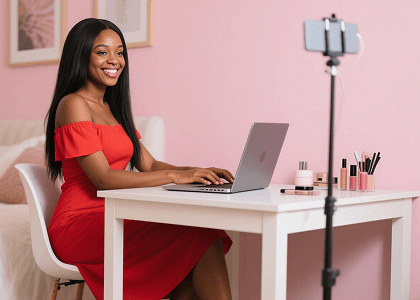
Turn daily ideas into engaging short-form content without a traditional filming and editing workflow.
Write the subject, action, environment, visual style, and camera movement you need.
Continue in Generate to select a model, aspect ratio, duration, resolution, and references.
Create the video, review motion and composition, then adjust the prompt for another version.
Define subject, action, environment, style, camera, and timing in a clear creative brief.
Choose a clear source image and describe the movement while protecting important visual details.
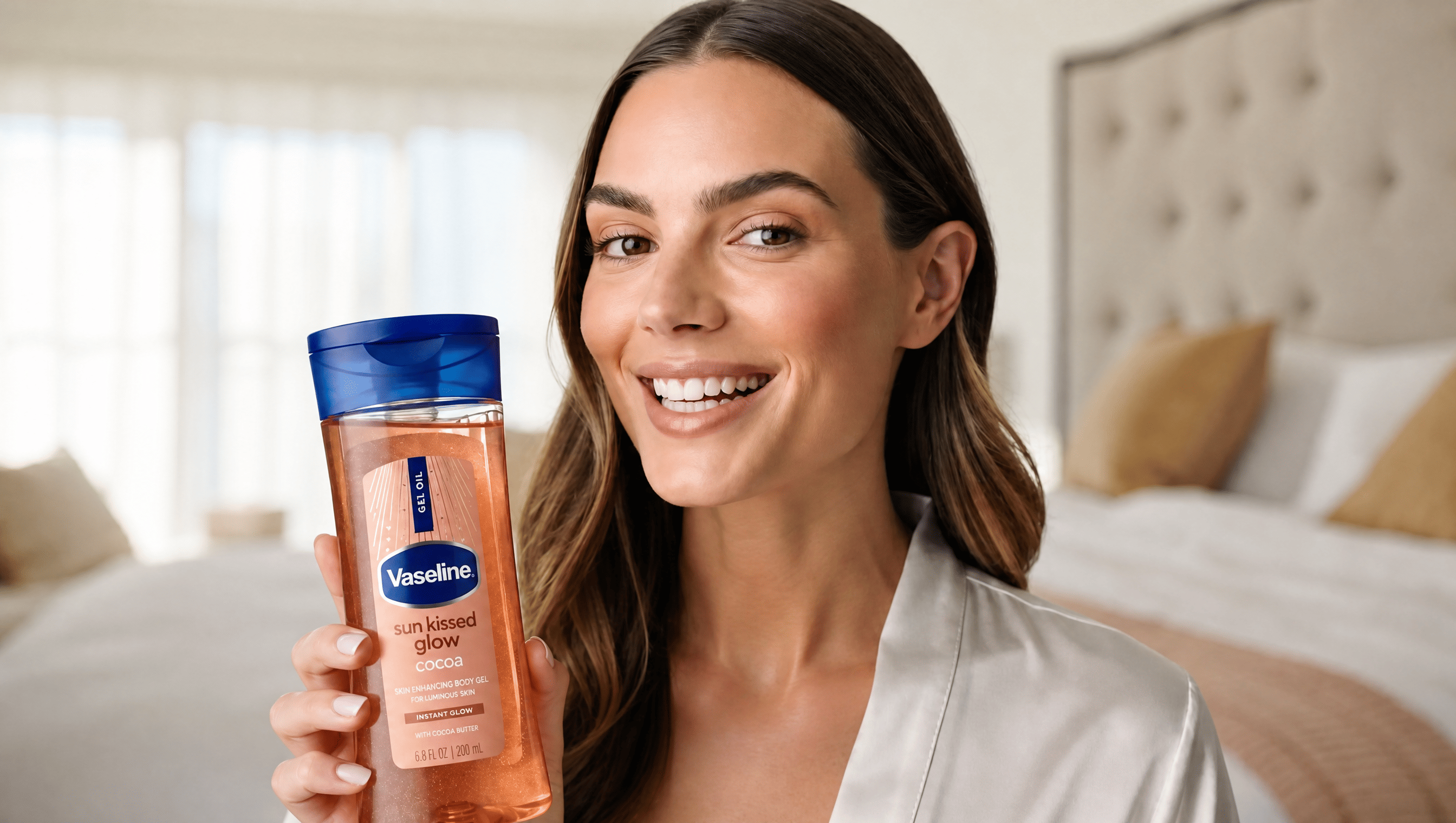
Plan multiple hooks, formats, and calls to action so each generation supports a clear goal.
Bring your subject, setting and ideas together to find your own visual style.

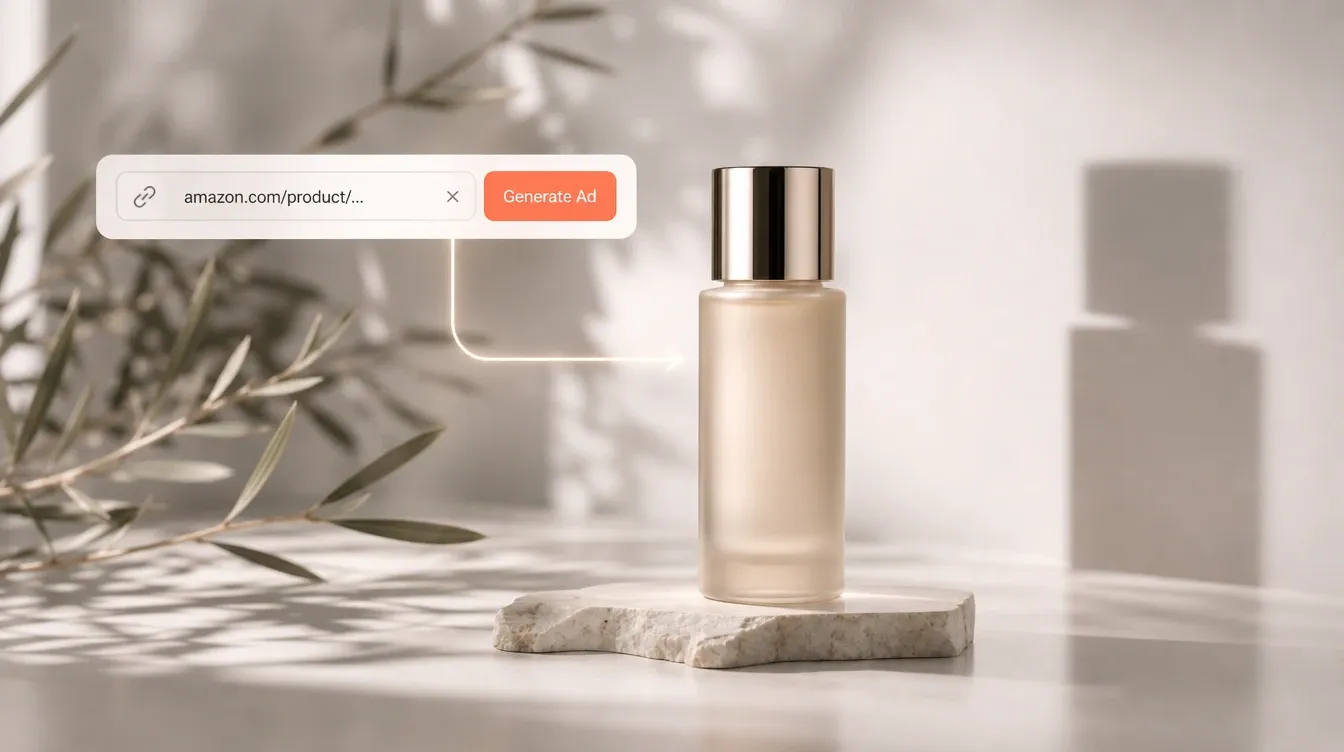
Use close framing, natural light and a simple background to highlight texture.
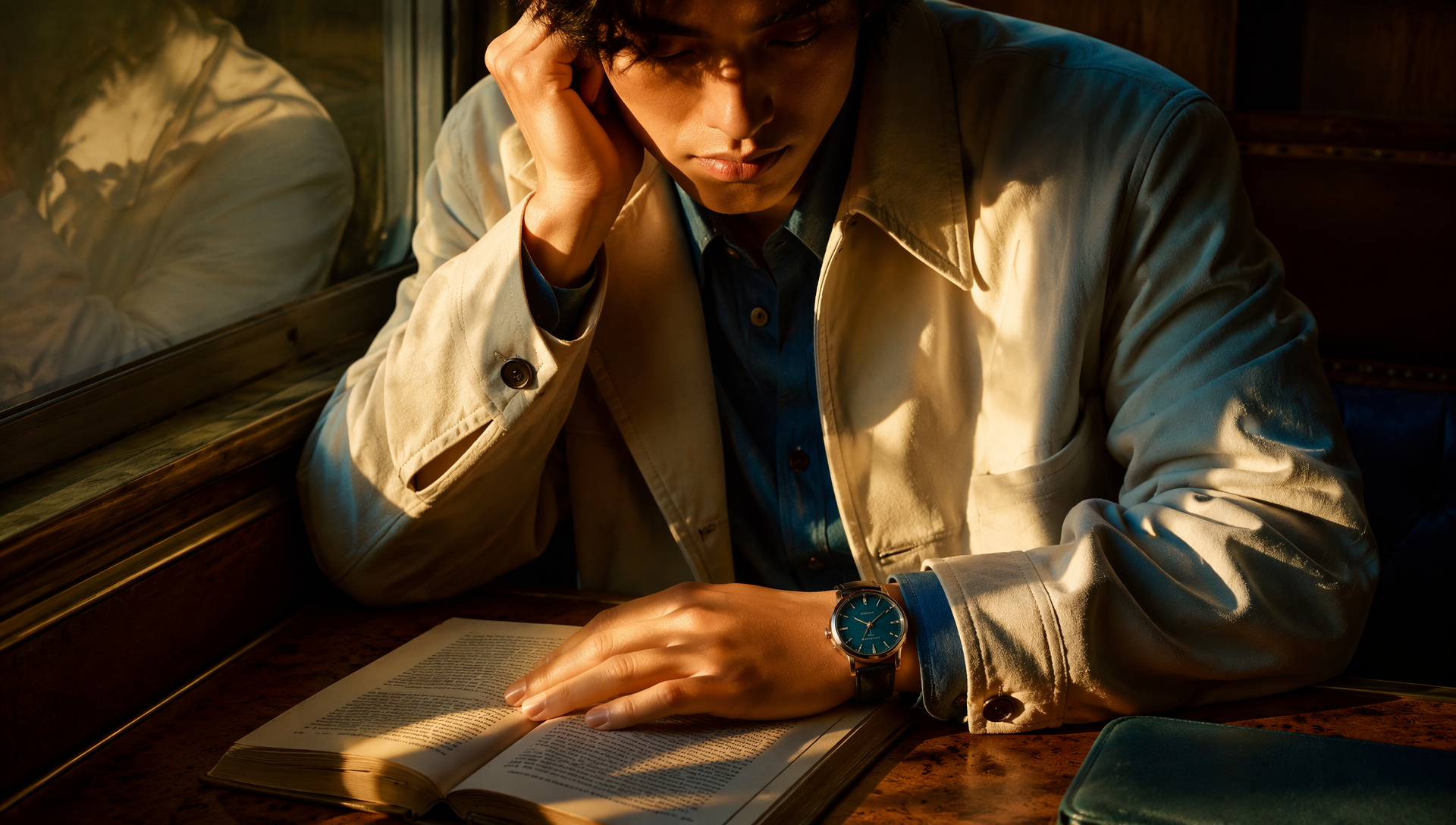
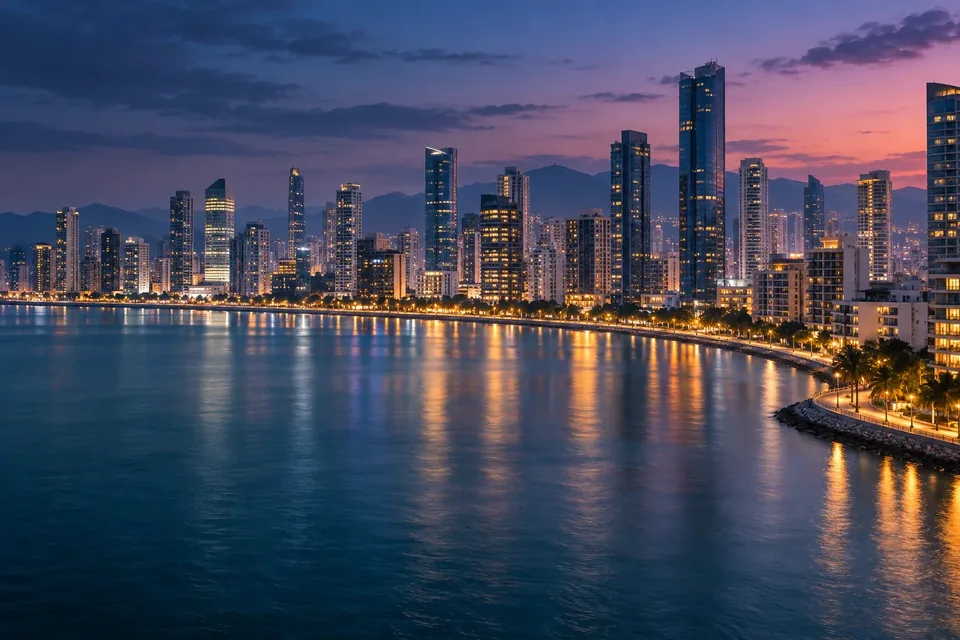
Describe the setting, mood and use case to tell a visual story.
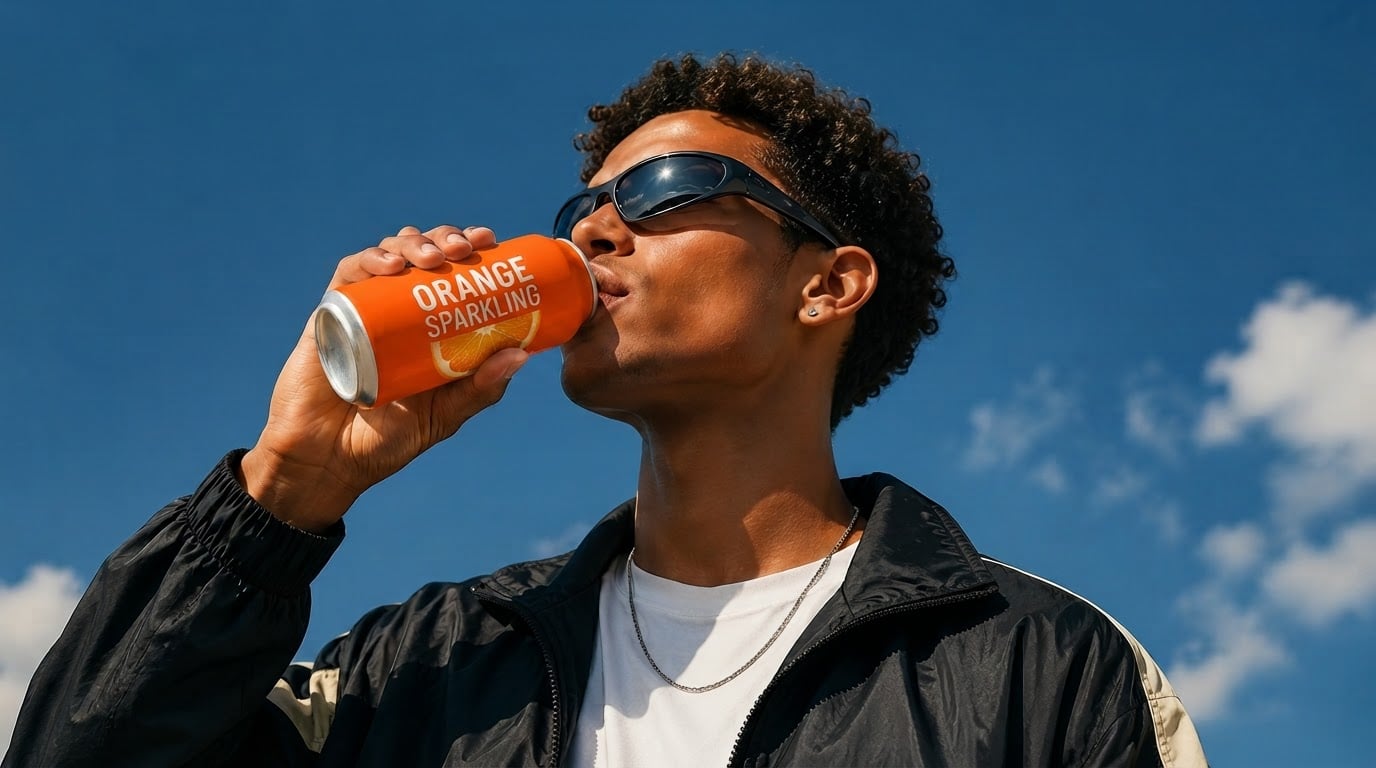
Keep your subject and palette consistent while exploring new compositions.
Concept imagery for inspiration. Results depend on your inputs, model and prompt.
It converts text instructions or image references into video by generating motion, scenes, and visual details with an AI model.
It combines multiple generation modes, leading models, effects, enhancement tools, and reusable workflows in one product.
Choose based on the input type, desired motion, visual style, duration, resolution, and consistency requirements.
Available trial access and generation credits depend on your current 慧达智云 plan.
Yes. 慧达智云 supports text-to-video and reference-based video workflows, depending on the selected model.
Generation time depends on the model, duration, resolution, and current processing demand; most results take several minutes.
You can create cinematic scenes, social clips, product videos, avatars, animations, restyled footage, and consistent sequences.
Audio support depends on the selected model and workflow; additional voice and audio tools are available in 慧达智云.
Start with a prompt and continue the complete generation workflow in 慧达智云.